Fast where it counts
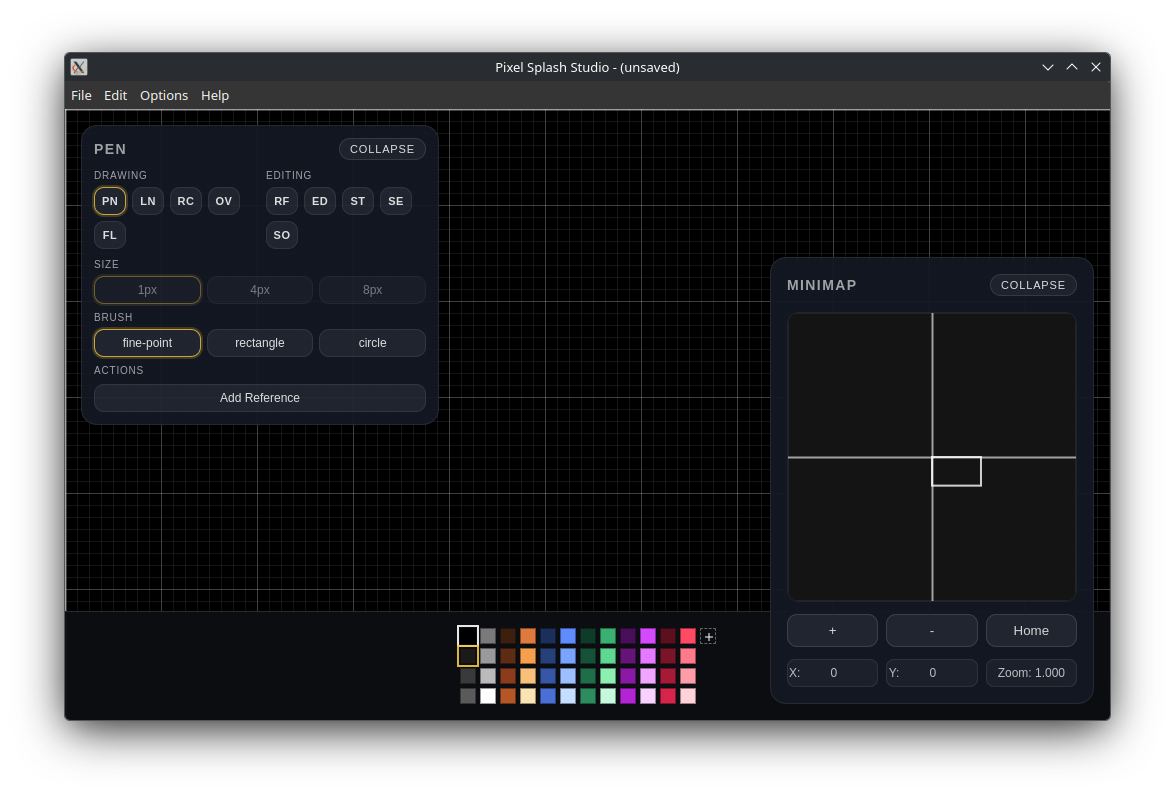
Everything is built around responsive editing: block-based rendering, a live preview layer, selection masking, and a minimap that keeps you oriented as the world grows.
Infinite canvas
Paint in positive and negative space with camera pan/zoom and axis overlays.
Palette indexed
Pixels store palette indices, so changing a color updates the whole canvas.
References
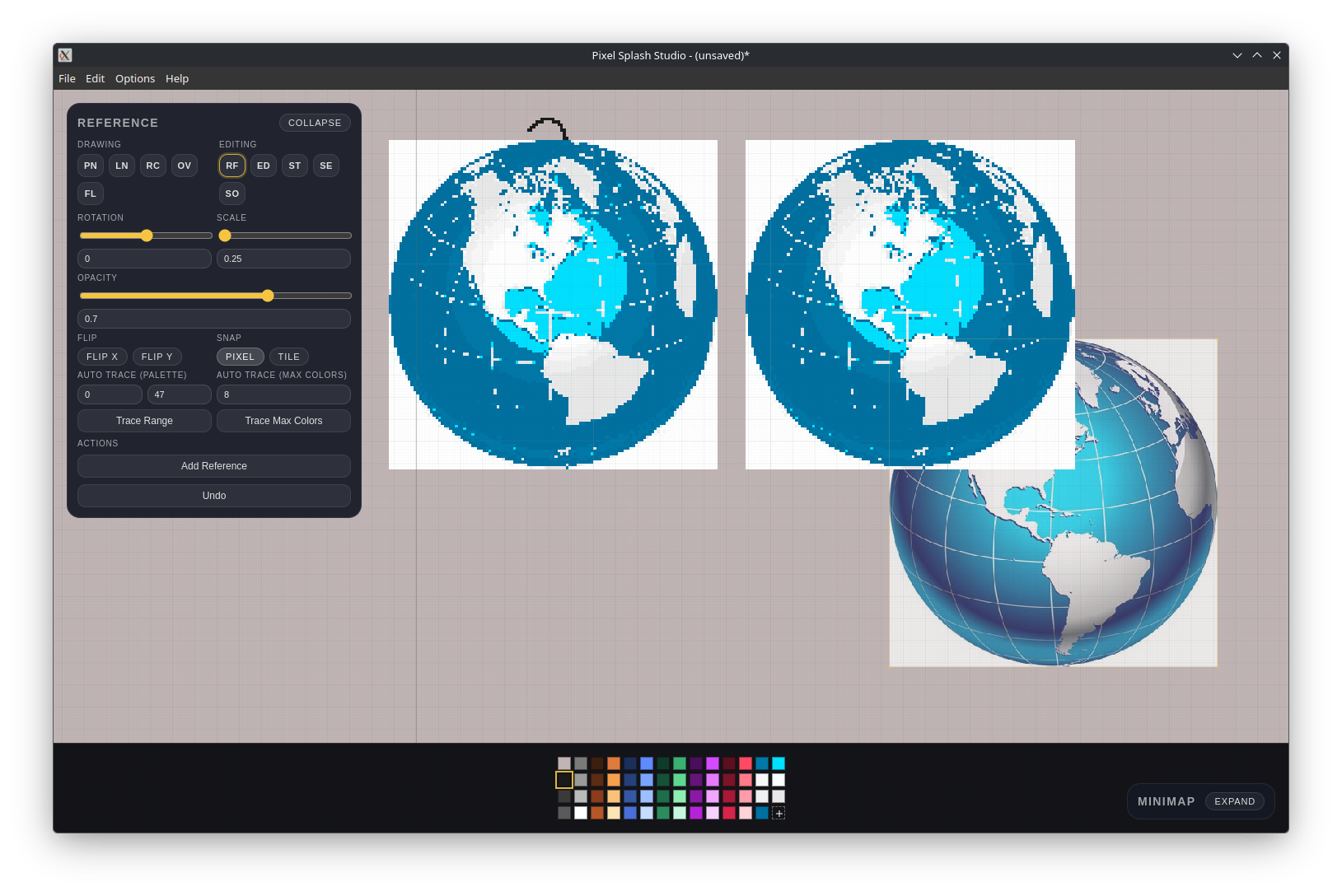
Drop images underneath, transform them, and trace with palette-aware tools.
Selection + preview
A selection mask plus a live preview layer makes tools feel immediate — and you can deep copy a merged selection (active + visible layers) when you need it.
Minimap
Navigate huge scenes with zoom/pan controls, axes, and camera readouts.
Export formats
Export selection images, retro formats, and tile maps as TMX + atlas PNG.
Tile mapping for level-scale work
Use tile sets and tile maps as an overlay on your canvas: sample tiles from pixels, paint multi-tile patterns, fill rectangles (optionally randomized), and export regions directly to Tiled.
Tile tools
- Tile Sampler: capture tiles from the canvas
- Tile Pen: place single tiles or tile patterns
- Tile Rectangle: fill rectangles (random with multi-select)
- Tile 9‑Slice: corners/edges/fill rectangles from a 3×3 sample
- Tile Export: drag a region to generate
tiles.png+tiles.tmx
Tile picker
- Scrollable “newspaper” layout with alignment controls (columns/rows/offset)
- Placeholders preserve stride/offset without shifting tiles around
- Multi-select tiles: Shift add, Ctrl/⌘ remove
- Consolidate duplicates or delete tiles with confirmation
See it in action
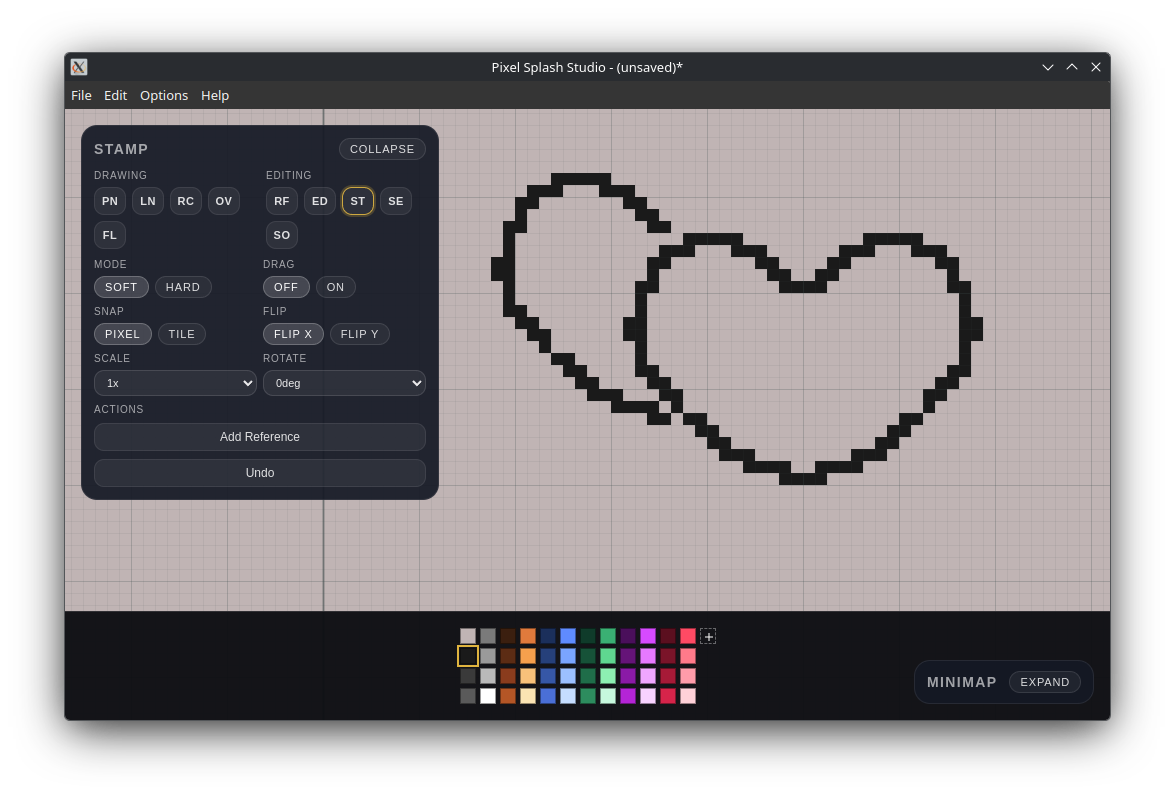
The UI stays out of the way: tools, options, a resizable palette bar, and a collapsible minimap that’s always there when you need it.
Try it in two minutes
Grab a release build, or run from source with Electron + Vite. Projects save to .splash.
Download
- Open the releases page
- Download a build for your OS
- Launch and start painting